‹ All integrations

Lew on iPhone and Android: the AskLew app

The AskLew app for iPhone and Android. Ask a question, have Lew draft a reply, plan your day, then put your phone away: he lets you know when his answer is ready.

Coming soon to theApp StoreComing soon toGoogle Play

Until then, Lew works in any browser at app.asklew.com, on your phone or your computer: same account, same conversation.

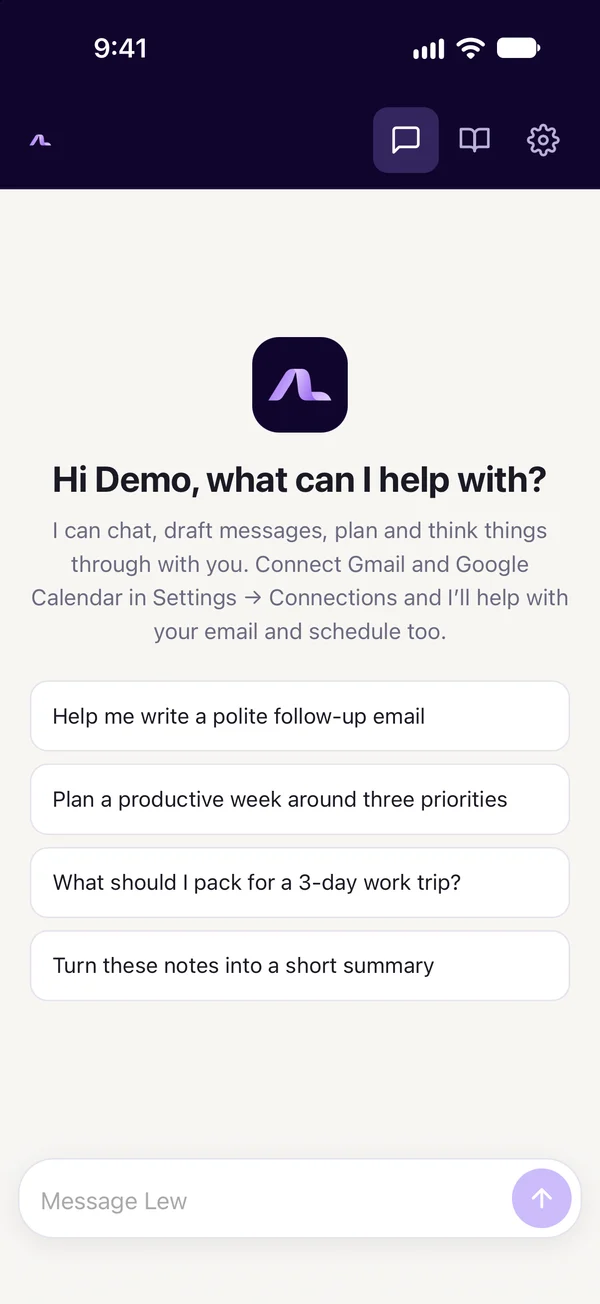
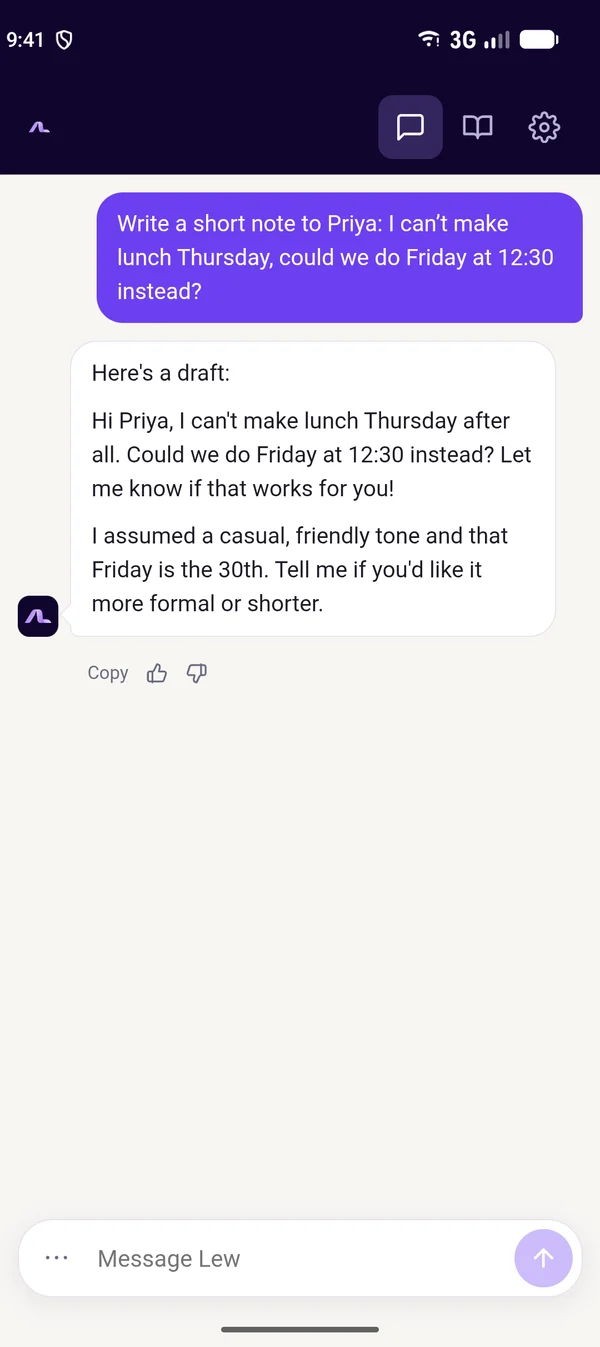
AskLew on iPhone: Lew greets you and suggests things to ask, such as writing a polite follow-up email or planning your week.AskLew on Android: asked to move Thursday’s lunch with Priya to Friday at 12:30, Lew drafts a short, friendly note.

What Lew does

  • Everything Lew does on the web: finds email, drafts replies in your voice, and handles your calendar.
  • Keeps one conversation: what you said on the web, Telegram, Slack or by text is there, and what you say in the app follows you back.
  • Lets you know when a reply is ready, if you turn on notifications, so you can ask and get on with your day.

How to connect

  1. 1Download AskLew from the App Store or Google Play once it’s out (coming soon).
  2. 2Sign in with your AskLew account, or create one in the app.
  3. 3Optional: turn on notifications in Settings → Profile → Notifications.

What Lew can access

  • A notification only says that Lew replied, never the reply itself, so nothing private shows on your lock screen.
  • Drafts wait for your tap on Send, as everywhere else.
  • No ads and no tracking. Sign out of any device in Settings, and delete your account from the app at any time.

More in our Privacy Policy and on our Security page.

Lew also works with